
Plan your night
How to plan a Christmas lights route
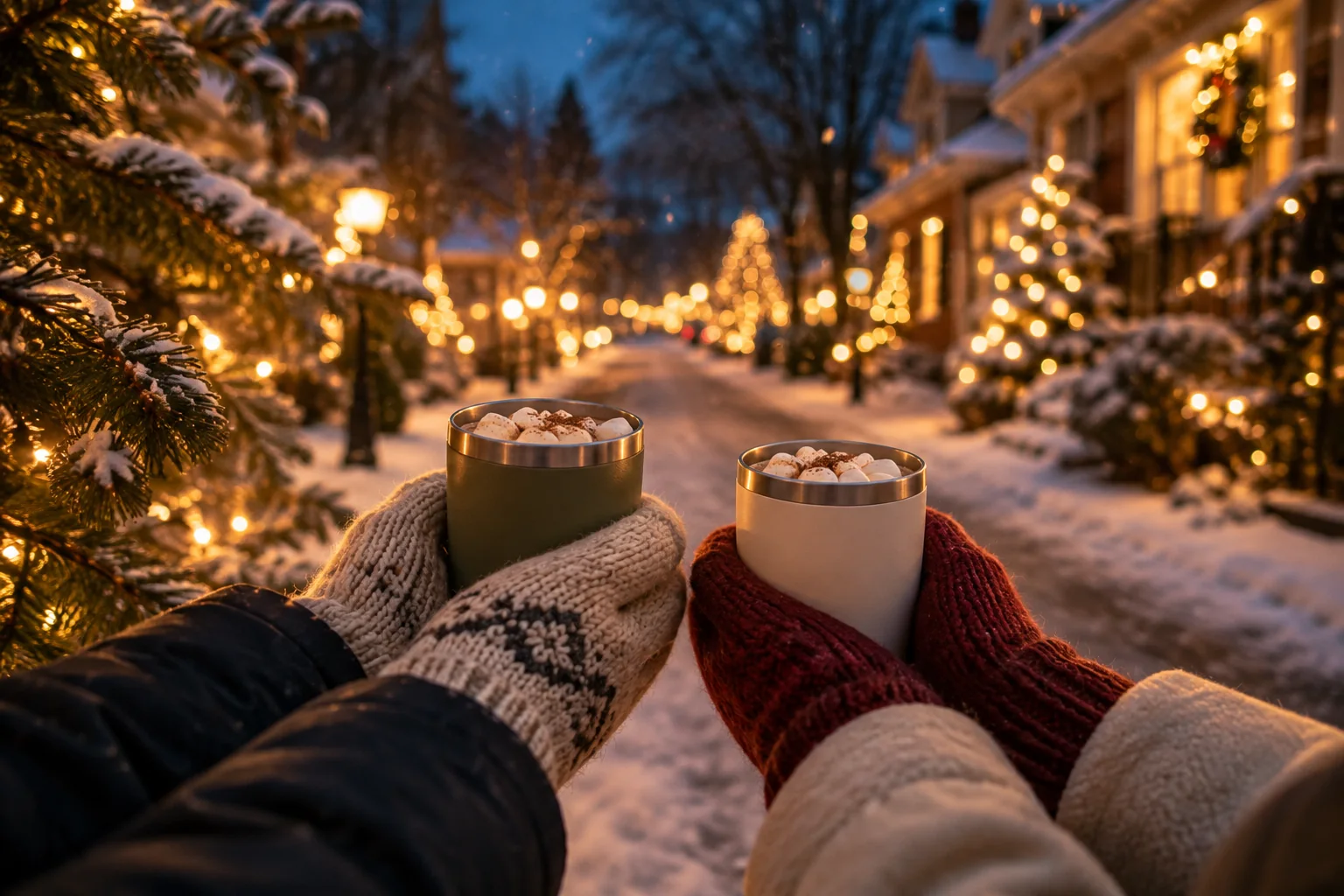
A good Christmas lights drive starts with a few displays you want to see and enough time to enjoy them. Use ChristmasPrism to find your stops, then build a route that fits your evening.
Start with the area you want to explore
Browse the website’s state and city directory for display names and local ideas. Explore the interactive map on the website or in the ChristmasPrism app. Coverage comes from the displays people have listed, so a quiet part of the directory does not mean there are no lights in that area.
Check the details before adding a stop
Look at the display’s photos, description, opening hours, and any special dates before setting off. Check whether it is a neighborhood display or a commercial attraction and whether admission is charged. A published listing is not a guarantee that the lights are on tonight.
Choose a comfortable number of stops
Start with the displays you most want to see. Leave time for driving, parking where permitted, and enjoying each stop. A shorter route can be a better fit for a school night; a weekend outing can leave room for a longer visit.
Build and order your route in the app
Add your chosen displays to a route, give it a name you will recognize, and arrange the stops in the order you want to visit. Keep different routes for different evenings. Share the route with the people coming along so everyone has the same plan.
Check again before you leave
Display owners can change their hours and plans. Recheck your selected stops shortly before setting off, and follow the owner’s visiting instructions. If one stop is unavailable, swap it for another nearby display.
Enjoy the neighborhood
View residential displays from public areas unless the owner has invited visitors onto the property. Keep driveways clear, follow posted instructions, and let the driver focus on the road. Save a favorite or leave a kind comment in the app when a display makes your night.